Pavilion — Jewellery Imaging Studio
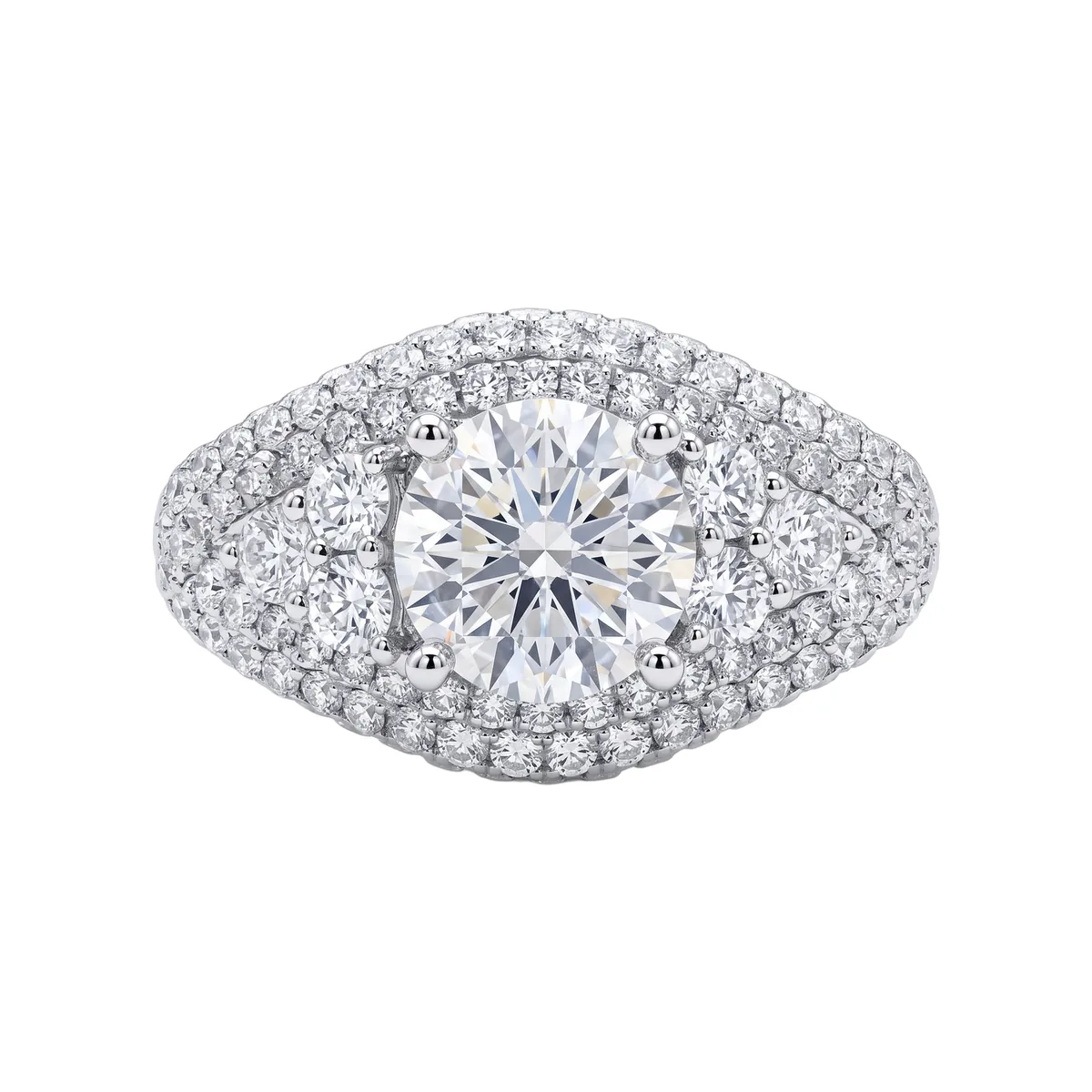
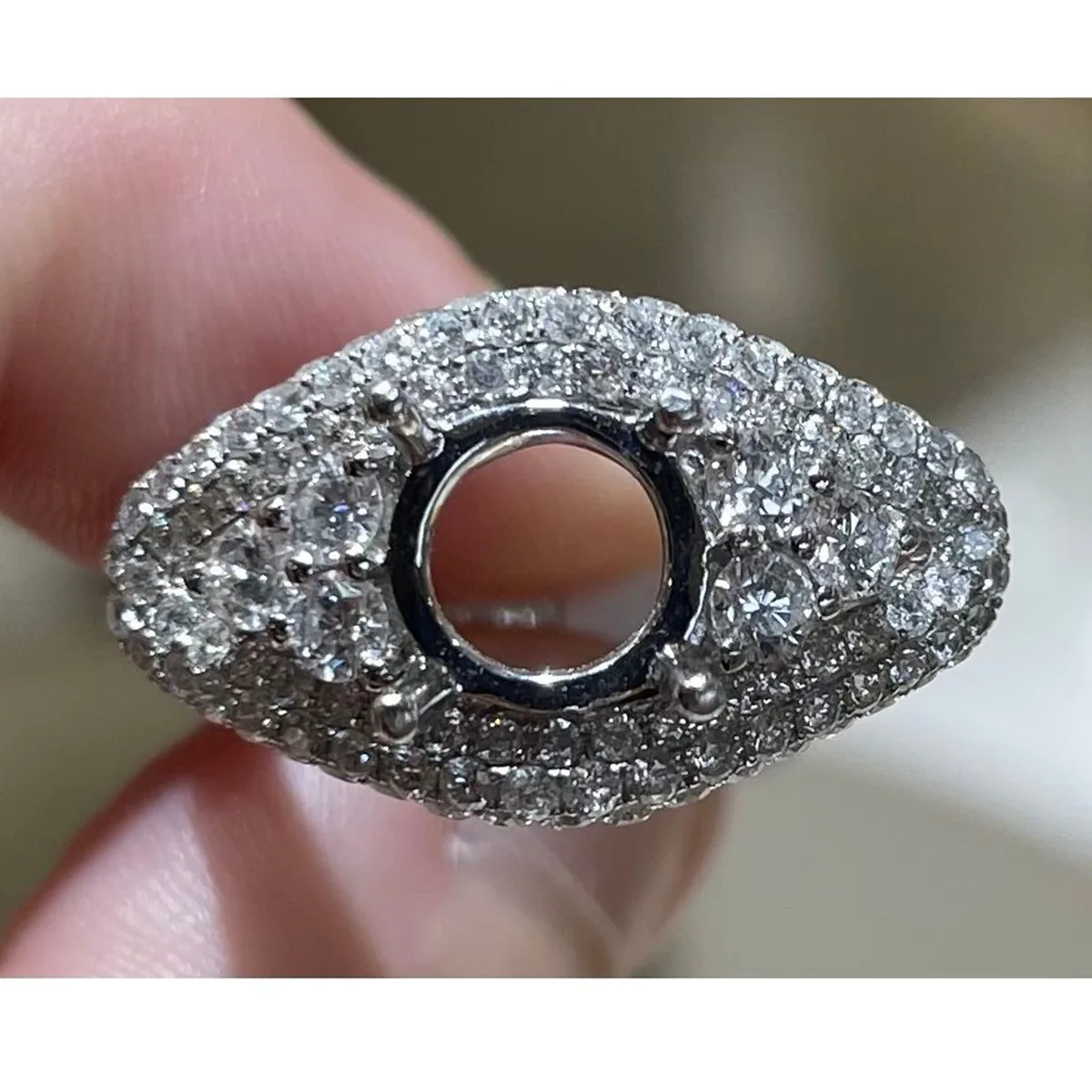
Made
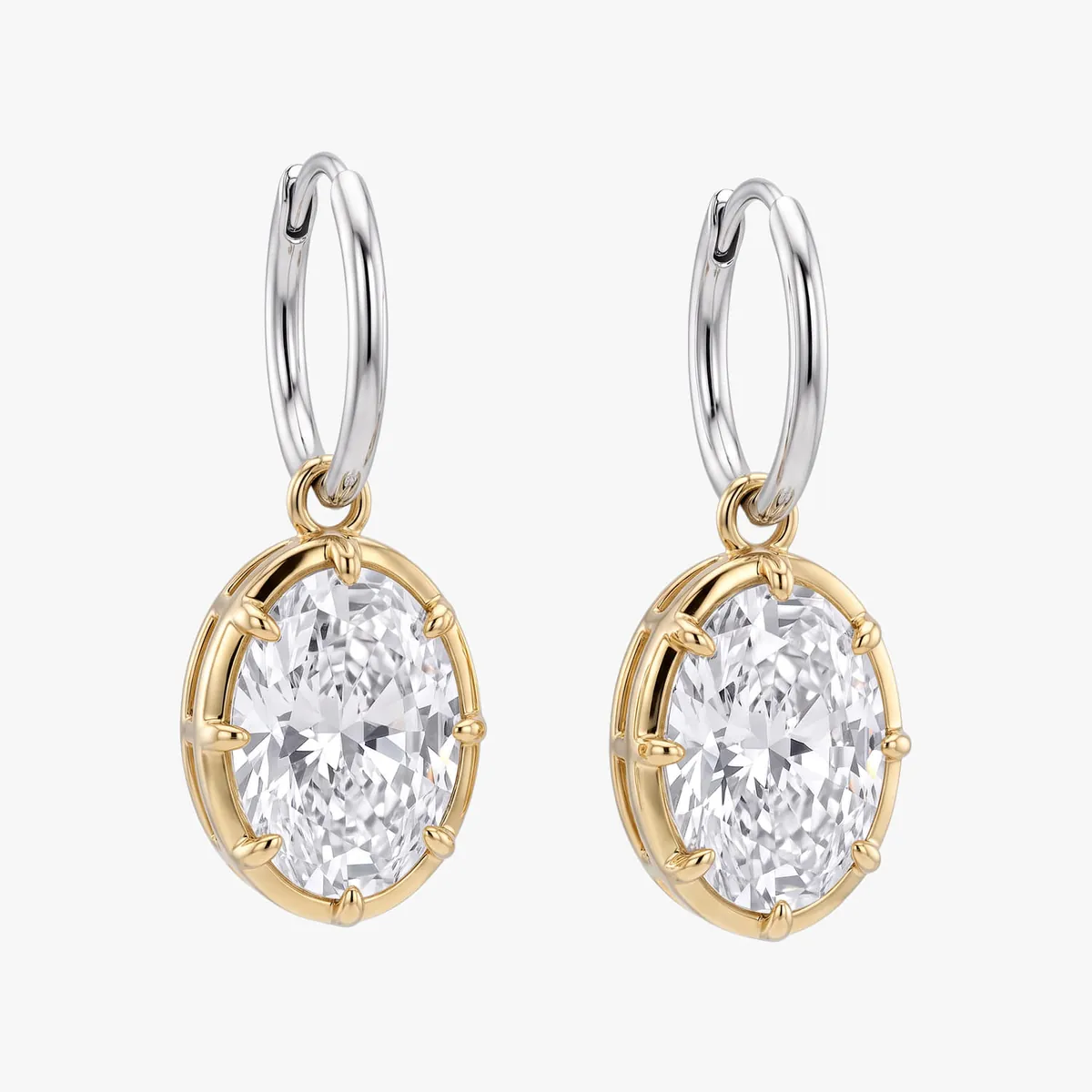
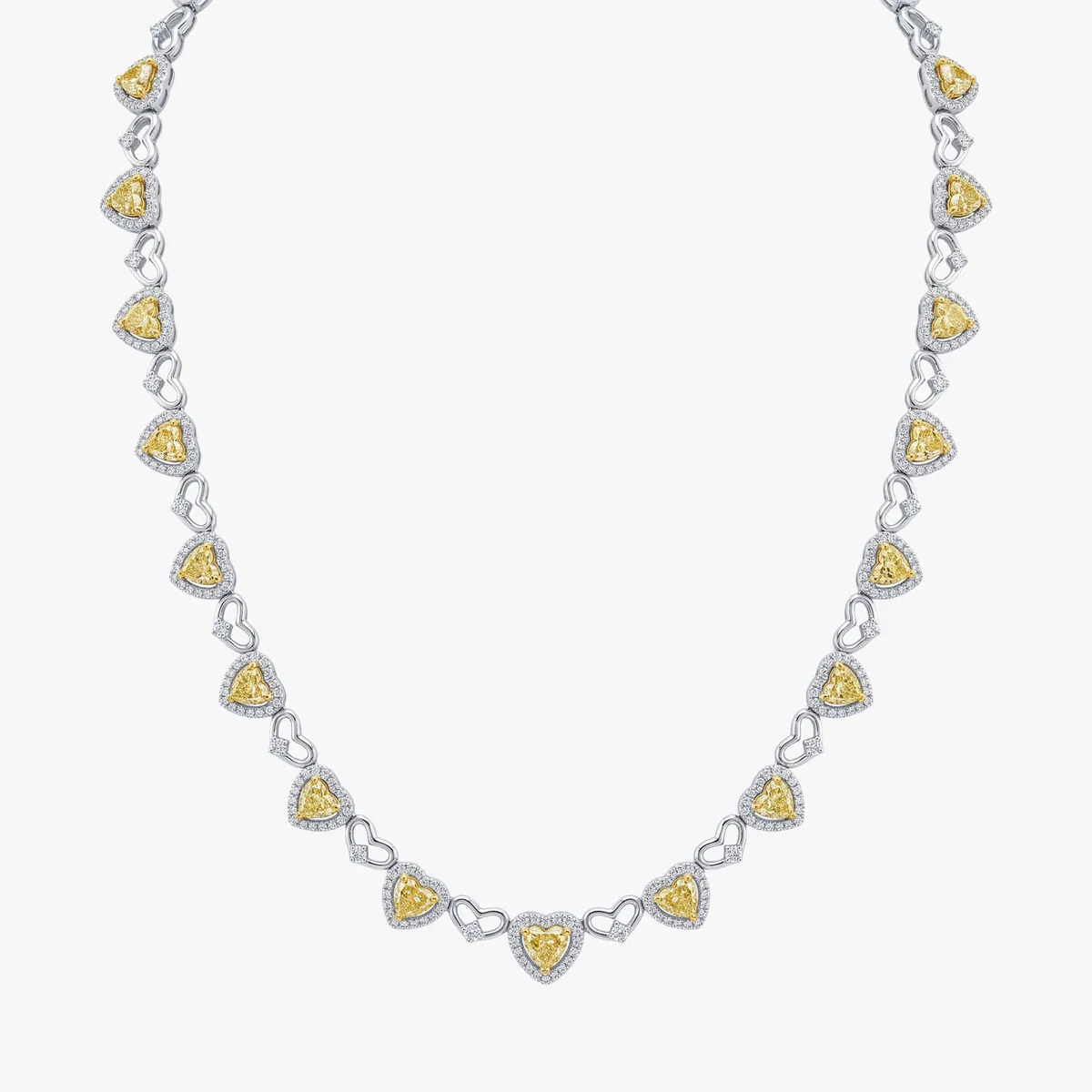
A web tool that turns a bench photograph into a catalog frame: on white, square, and set to the margin and scale the catalog runs at.
Needed
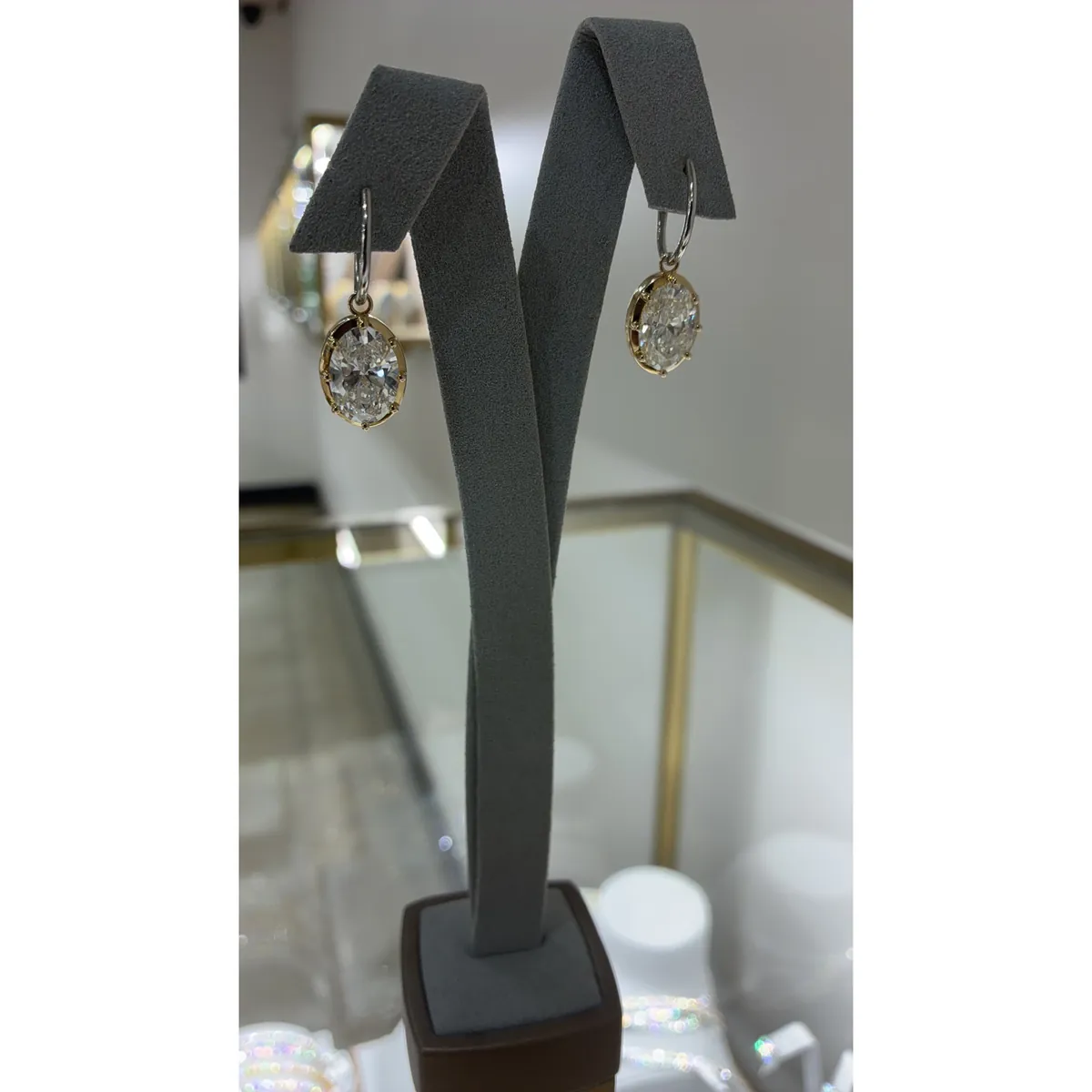
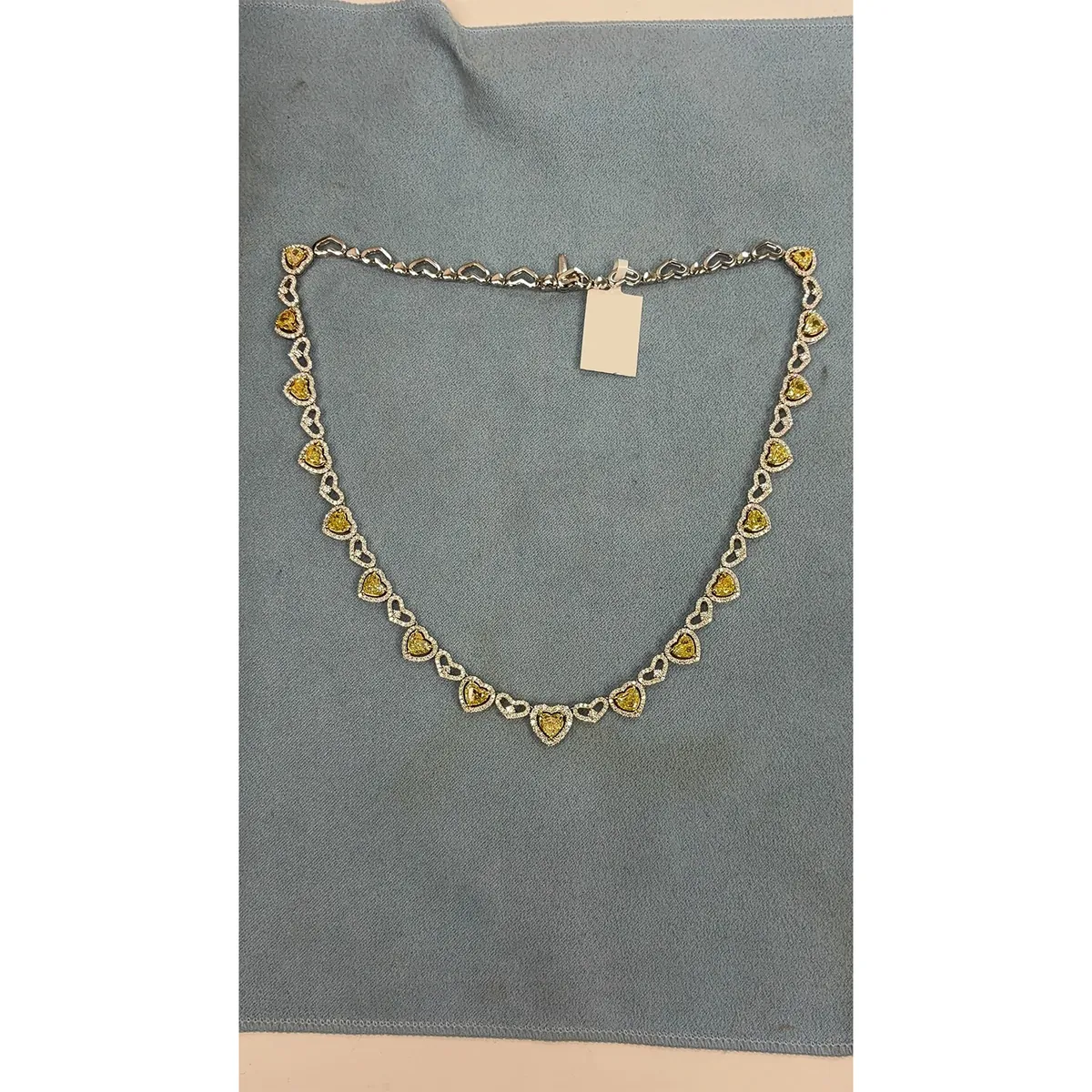
Jewelers shoot on a phone, in bench light. A catalog wants white, straight and unchanged — a stone a shade wider is a different price.
Worth
A catalog shoot costs more than the tool does. Jewelers and custom workshops across the United States and Canada use it every day.
What it has to get right
Retouching a photograph of a ring is not like retouching a photograph of a chair. The proportions are the product. A center stone drawn half a millimeter too wide, a pavé row with one stone too many, a prong that tapers the wrong way — any of those is a different piece, and in this trade the gap between two pieces that look alike runs to five hundred or a thousand dollars.
So the job is not to make a nice picture. The job is to make a picture that is still the same piece. Nothing in the tool can certify that, so every result is shown beside the photograph it came from and the jeweler decides. Everything below is organized around that constraint, the failures included.
Three things it does
Three modes sit behind one upload.
Set takes a finished piece and gives it the catalog treatment: straight on, lit, on white, gray, black or a background of your own, with the metal color kept or changed.
Unset is the one jewelers actually came for. You photograph a semi-mount with nothing in it, lasso the empty seat, choose a cut, and the piece comes back finished.
CleanUp does nothing but remove dust and scratches, which is most of the work on most days.
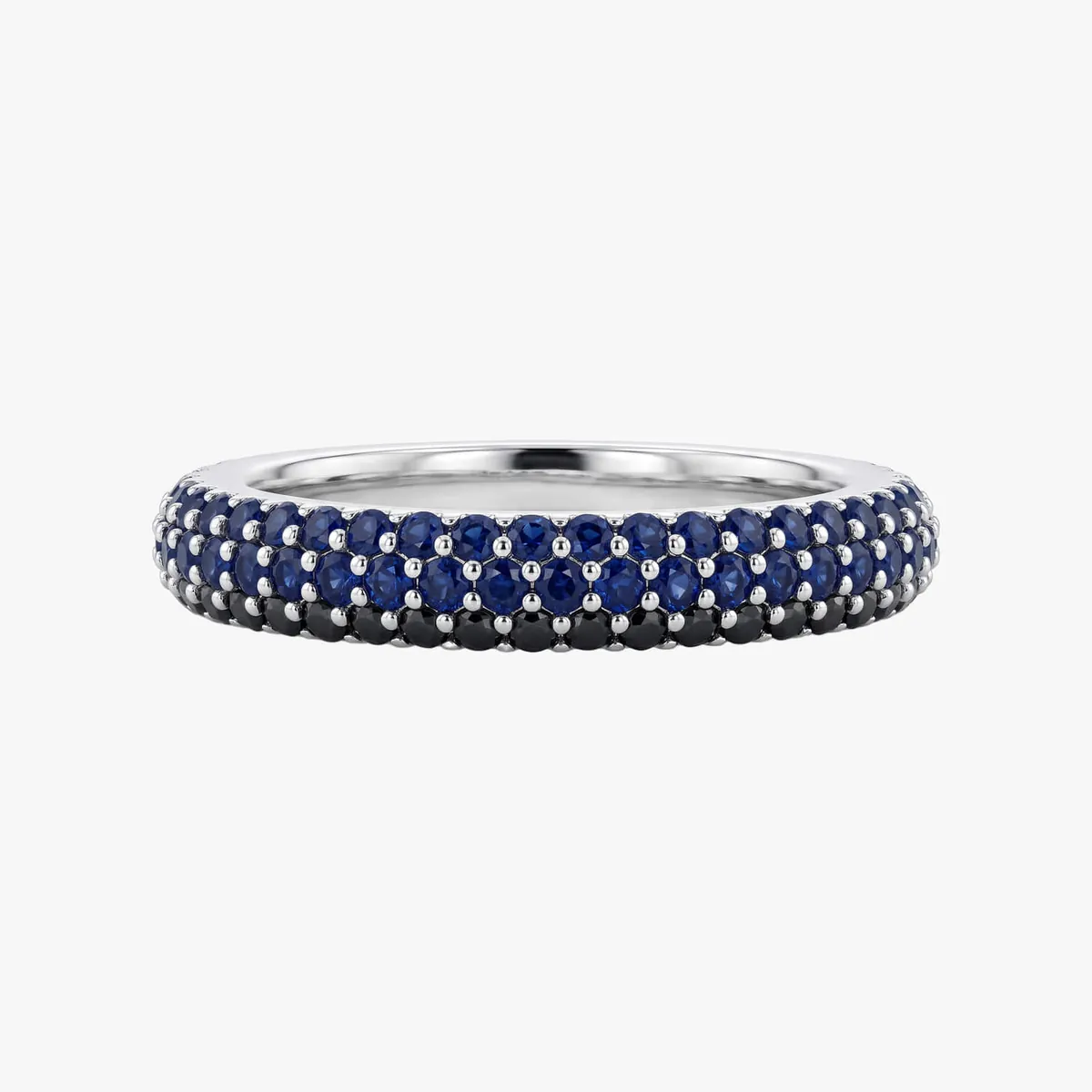
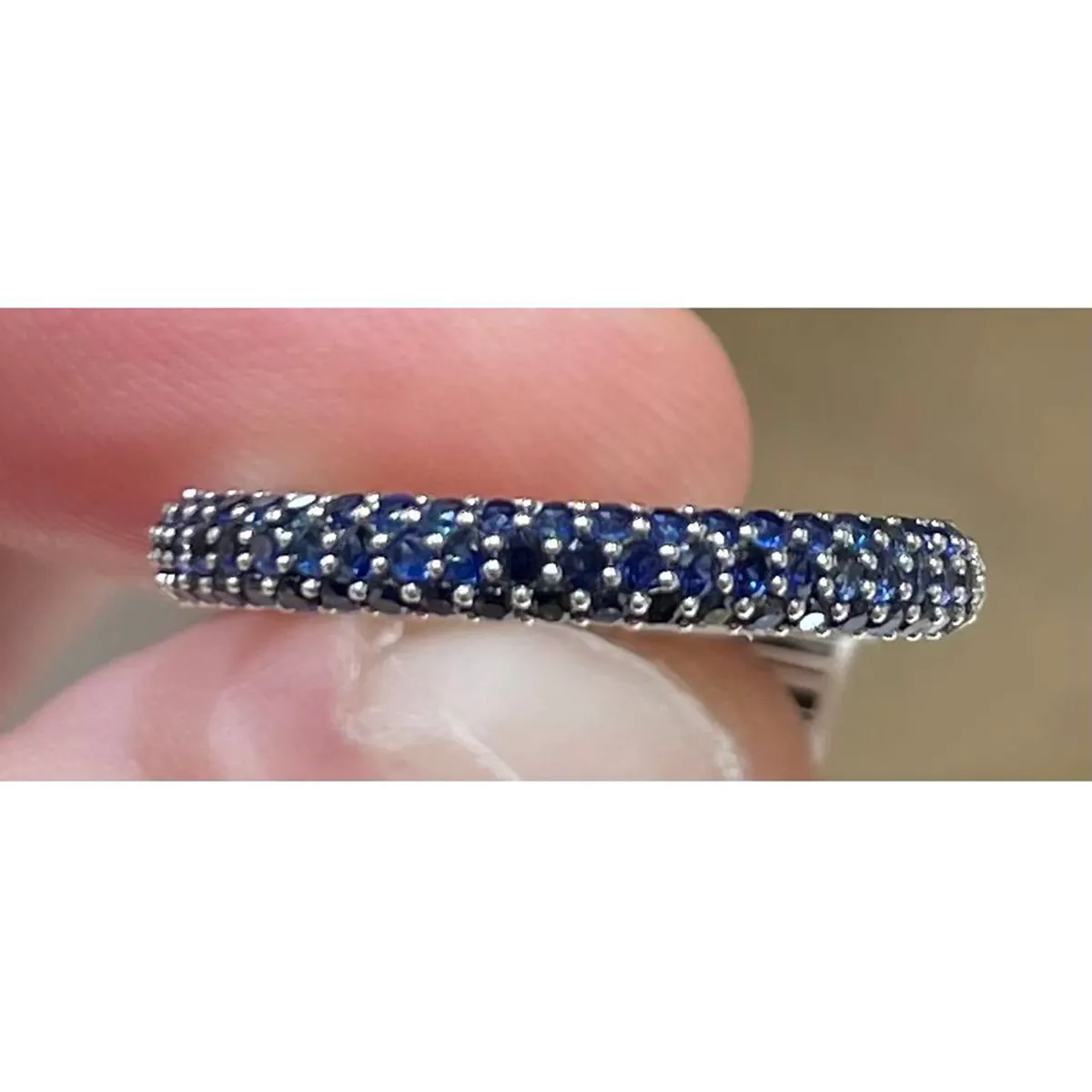
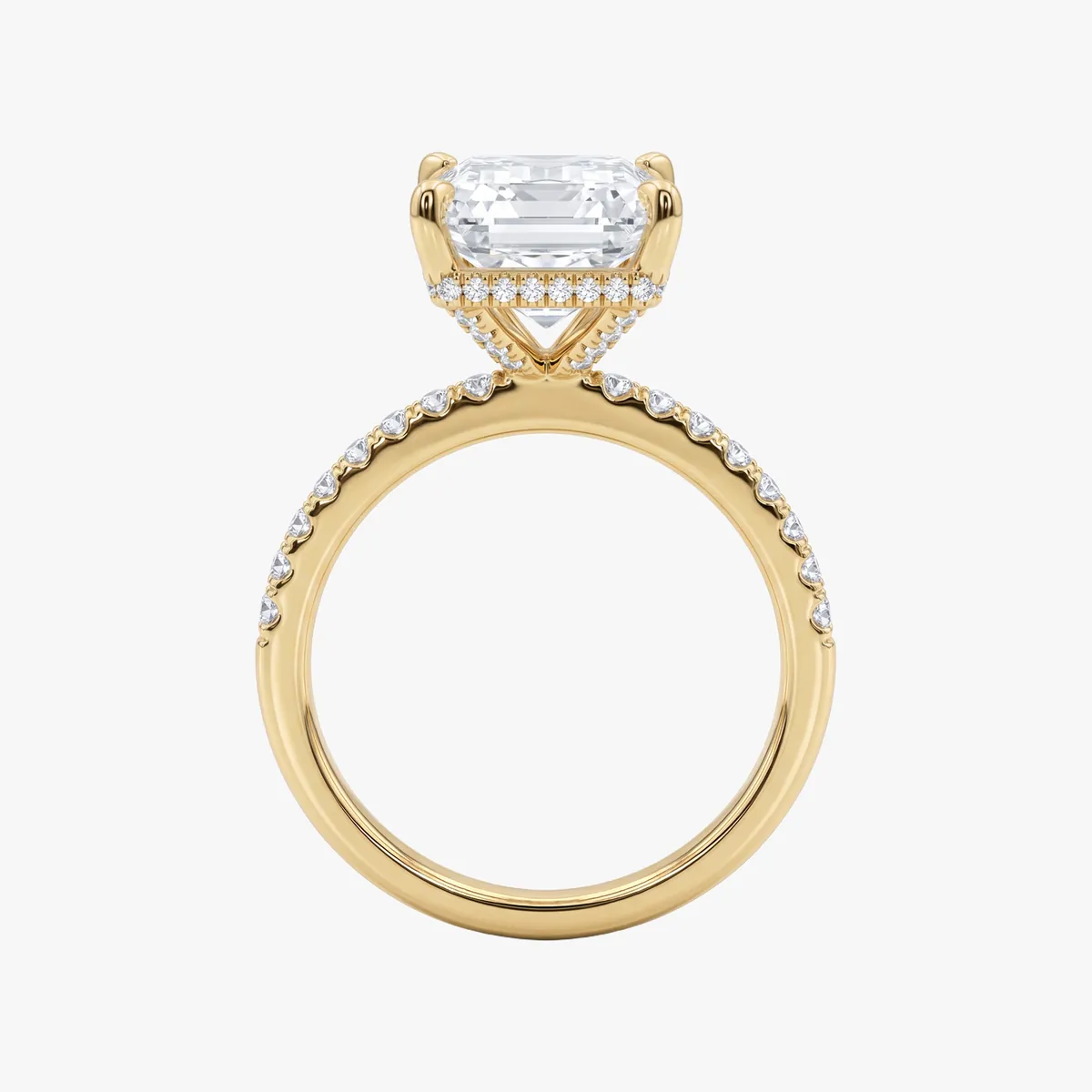
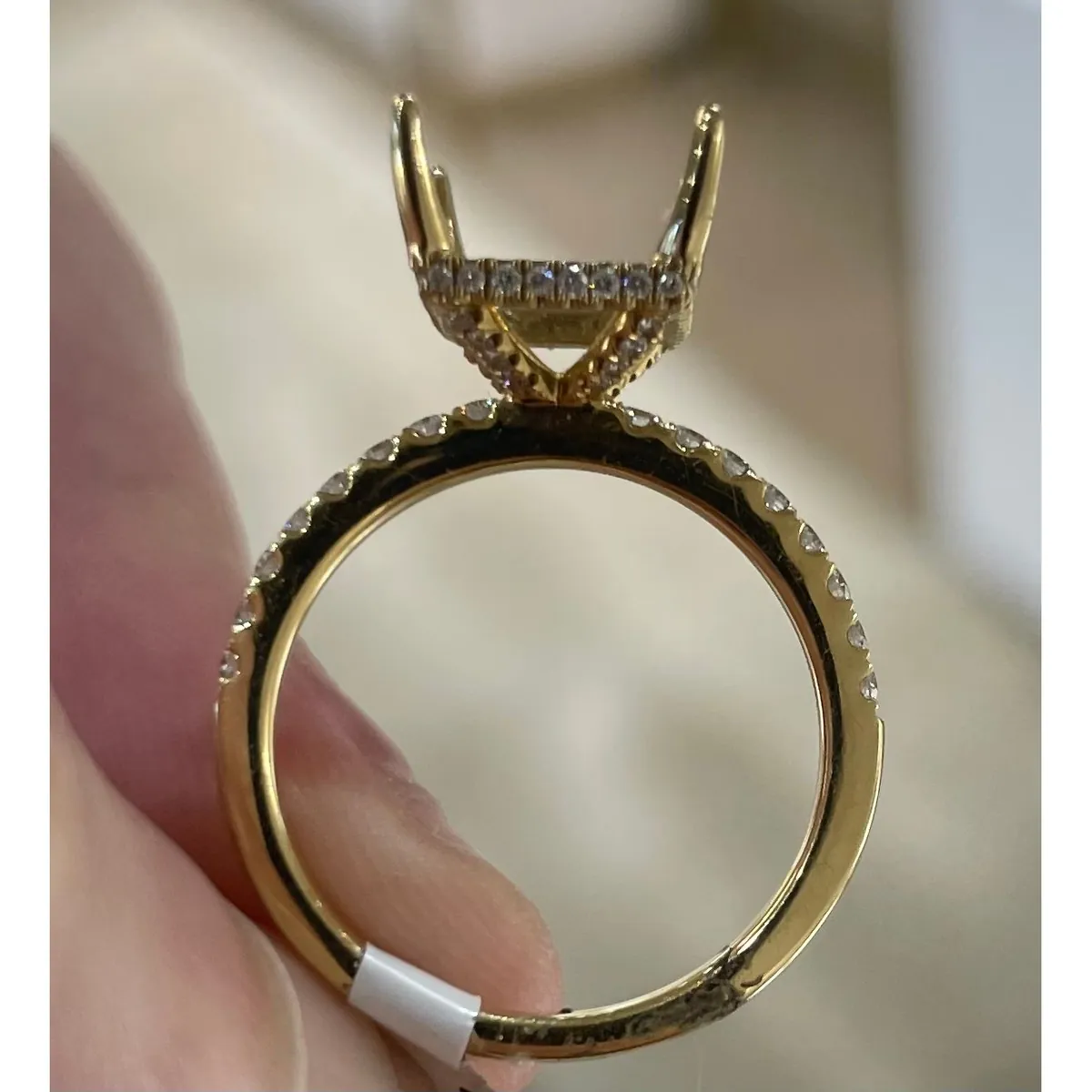
In use
The pilot went live in the summer of 2026, and in its first month it put out more than 21,000 images. That is the tool's own counter — images generated, not images that reached a catalog, and the distance between those two is the jeweler deciding. Pavilion put their customer base at 200 jewelers; what share of them this reaches is their figure to give, not mine.
How it is built
The whole backend is ComfyUI. Generation runs on Nano Banana, a general image model, with its settings tuned for this one job; around it is a chain of stock ComfyUI nodes — no custom nodes to maintain, which matters when the tool has to keep running without me.
The front end is the part a jeweler sees: upload, mode, a lasso, a background, Generate. Everything the graph needs is inferred or chosen there, and nobody is asked to write a prompt.
The path through it
One photograph, kept across all three tabs, so switching modes does not mean uploading again. Background splits three ways: a color preset, an image of your own with a placement zone you mark, or a text prompt. Then Generate, a progress bar with honest status lines, and a gallery of everything you have already made, because the real workflow is tweak and regenerate, not get it right first time.
Two decisions worth the argument
The first: the lasso. The obvious build detects the empty seat on its own, and mostly it can. But “mostly” is the wrong number when the output is a price-bearing image, so the jeweler draws the area and the model works inside it. Three seconds of work buys a guarantee about where the stone can appear.
The second: necklace framing is a switch, not a guess. A necklace wants a different crop, a different hang and a different distance from a ring, and a model asked to work that out from the photograph gets it right until the day it does not. A toggle is boring, and it is always right.
The tool, end to end
Thirty seconds, no sound: a ring goes in, the metal is changed to rose, a background is picked, and the result comes back with a compare slider and three ways to download it.
What I changed my mind about
I started with the geometry handled in code — framing a necklace, placing a stone, squaring a ring — and the model left to do surface and light. Code is deterministic, and this is a job where determinism is the point.
It was also slower and worse. Every piece of jewelry is a different shape, and the rules I wrote kept meeting a piece that broke them. What worked was moving the geometry into the prompt and the model settings, and spending the engineering on the parts where being wrong costs money: the lasso, the framing switch, the mode split. Code where it has to be exact, the model where it has to be general.
Where it falls over
It is not a solved problem, and this page should say so. The failures are consistent enough to name.
A piece too small in the frame comes back invented. Long articulated things — tennis bracelets, chains — break where the model loses the run of the links, and it will drop a segment or add one. Props do not always leave cleanly, and a cut with hard geometry, emerald and pavé especially, is the first thing to drift when the source is soft.
A jeweler catches all of these in a second, which is why every result sits next to its original in the interface and nothing is published without a look. The last two below have no original kept; they are left in for the same reason as the rest.
-
BeforeAfter
-
BeforeAfter
My part
I built the product end to end, from the idea to the thing jewelers open every morning: the ComfyUI backend and the node chain behind each mode, the model settings, the front end, the API wiring, and a database behind an admin page that shows every operation as it runs.
The art direction is not a separate job from that one. Deciding what a correct result looks like — which millimeter matters, which does not — is most of the design work here.
What I could not decide alone was the shape of the day. That was calibrated with Pavilion throughout: they know better than I do what a jeweler needs from this tool this month. Nobody else has worked on it, and I still maintain it.